How to use ZumaPiano
From install to practice in five minutes.
Getting started
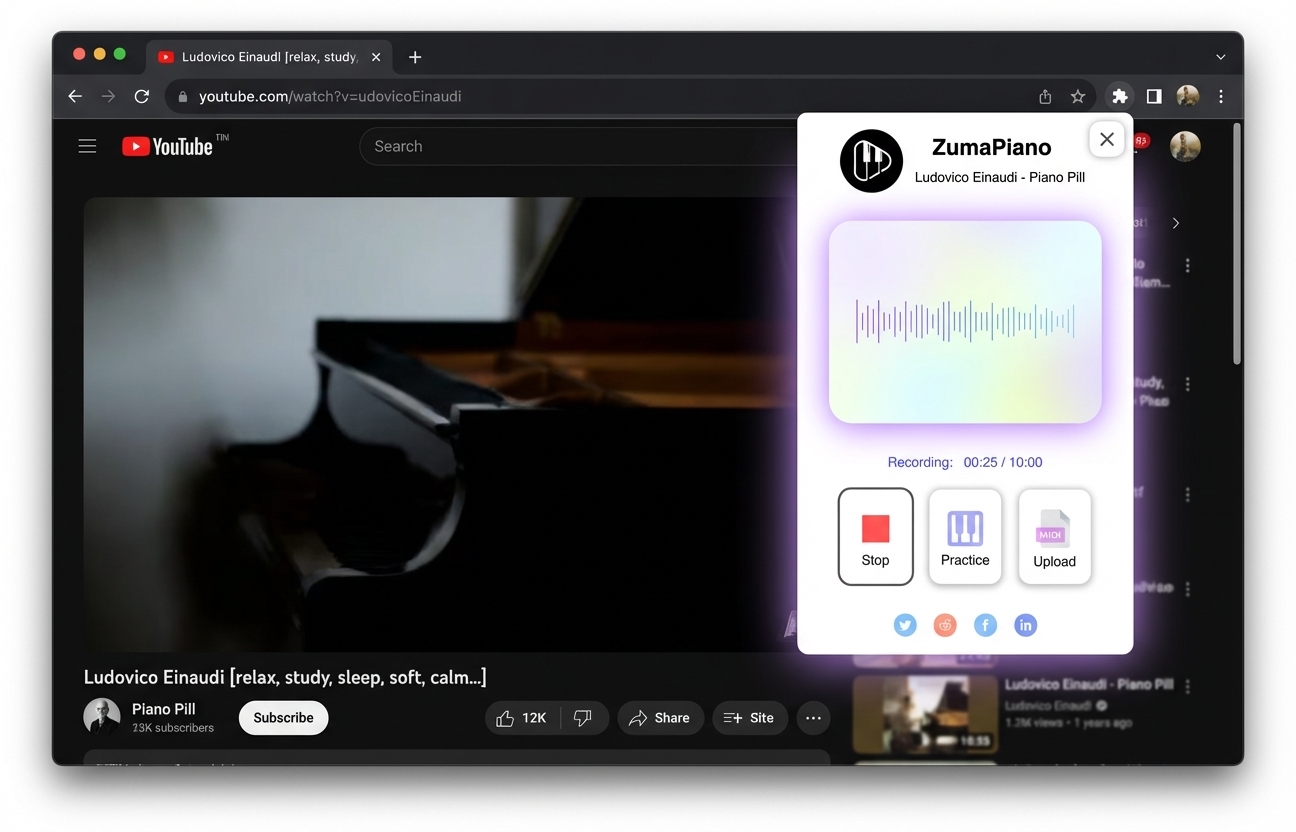
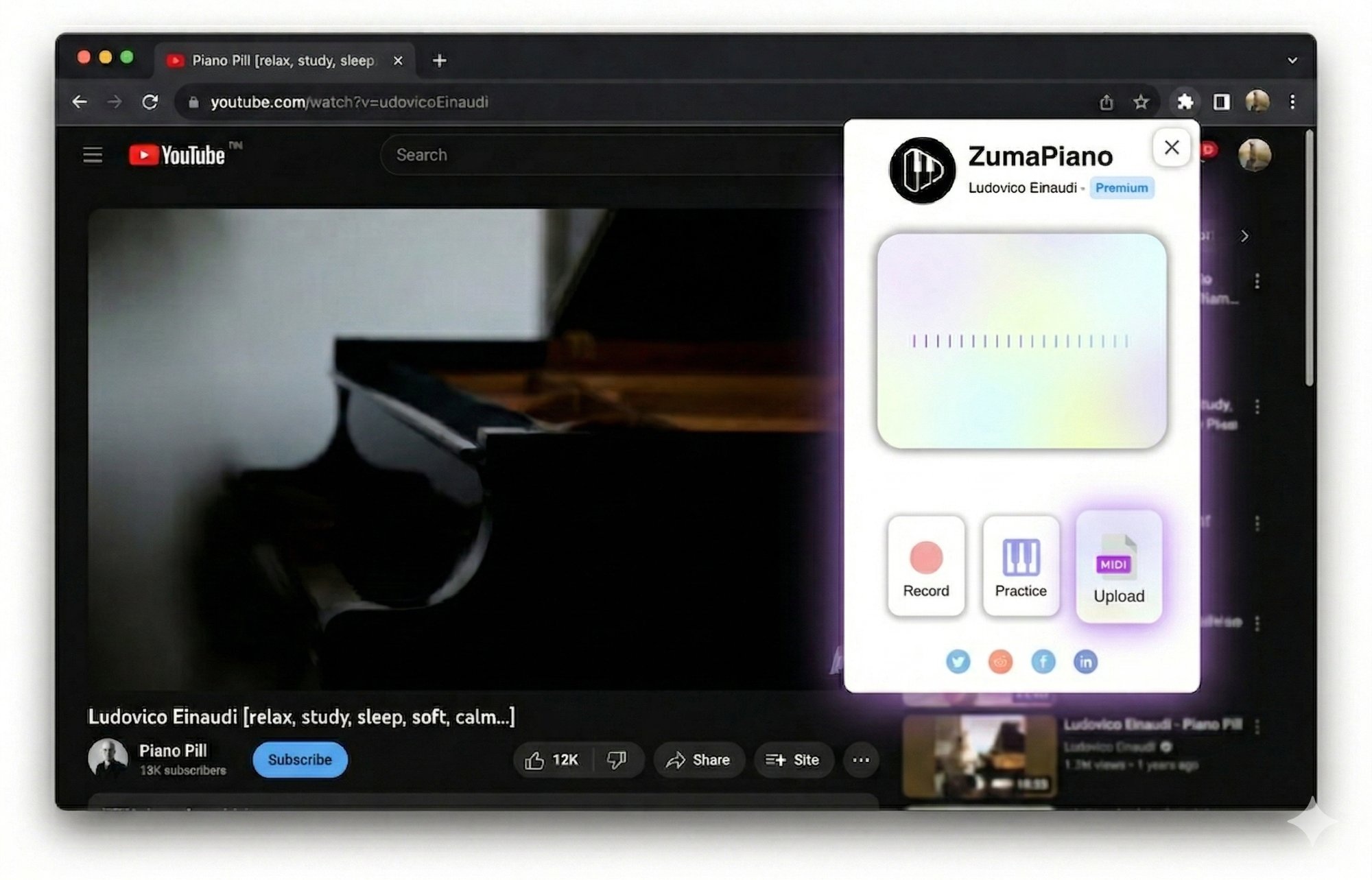
- 1 Install the Chrome Extension from the Web Store.
- 2 Play any piano song on YouTube, Spotify, or any website.
- 3 Click the extension icon and hit Record. AI transcribes every note automatically.
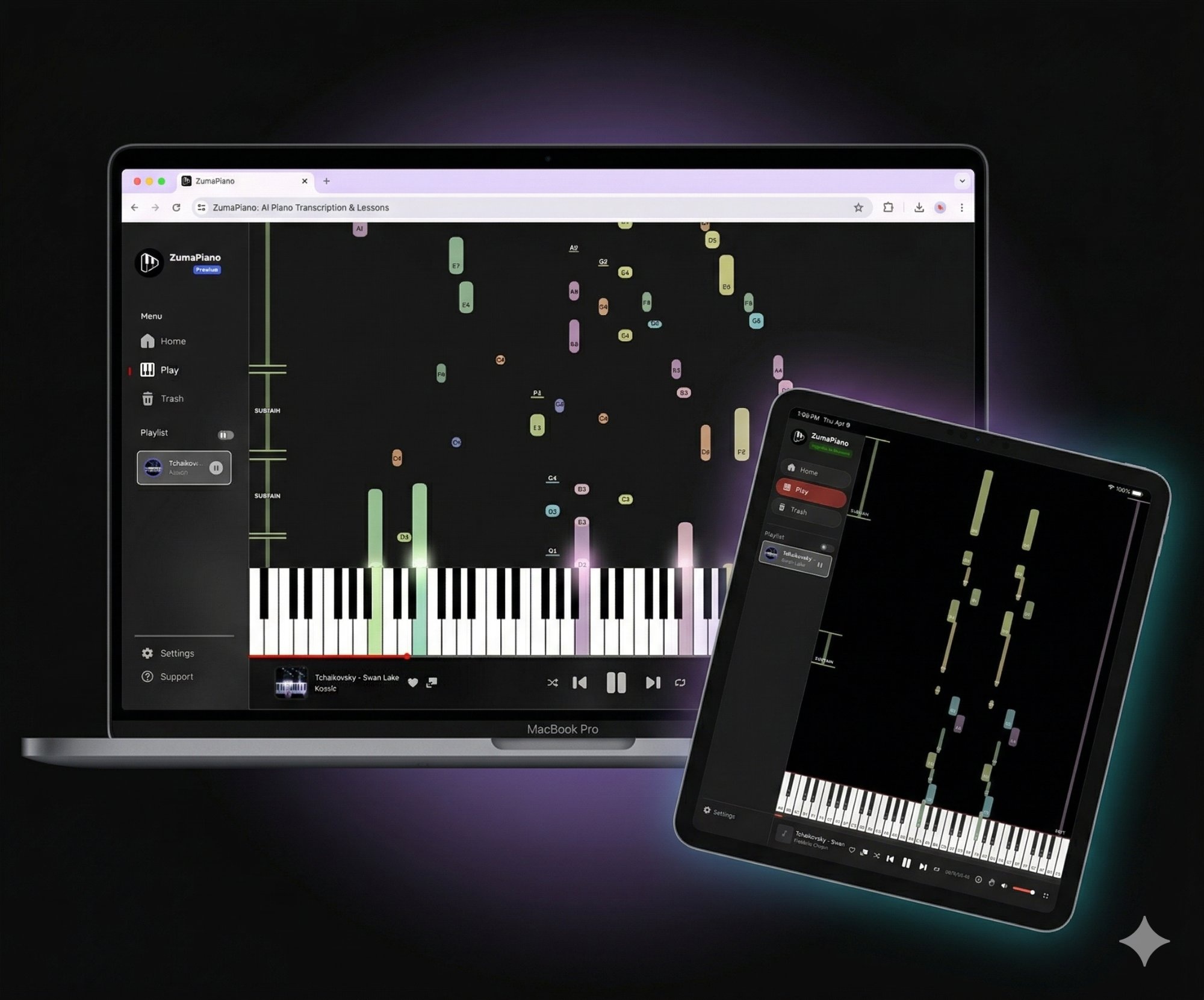
- 4 Click Practice to open the Player. Notes fall toward a virtual keyboard — adjust speed, isolate hands, and loop sections.
Ready to start?
Install the extension and learn any piano song in minutes.